
Own Your Guest's Experience
Ogent's powerful ordering platform supports a wide range of configurations to tailor your guests' experience according to your brand, format and operations.
SIGN UP YOUR RESTAURANT FOR FREE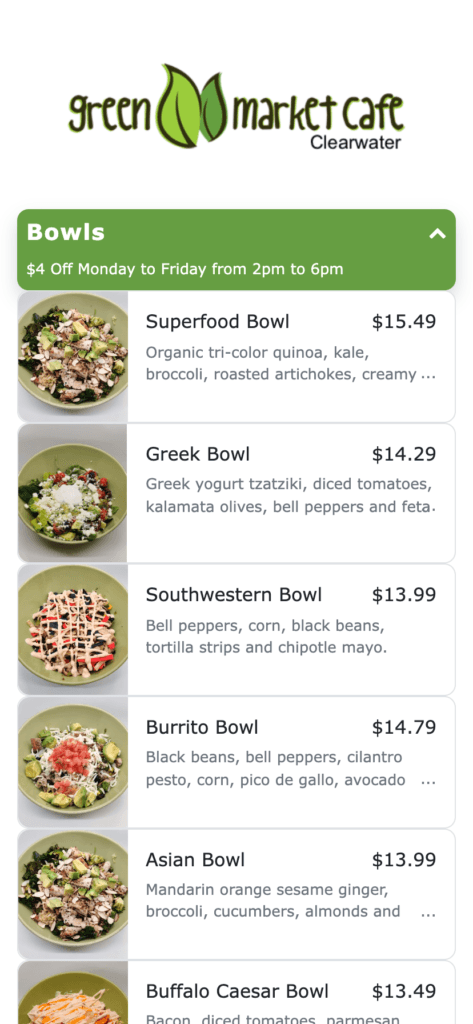
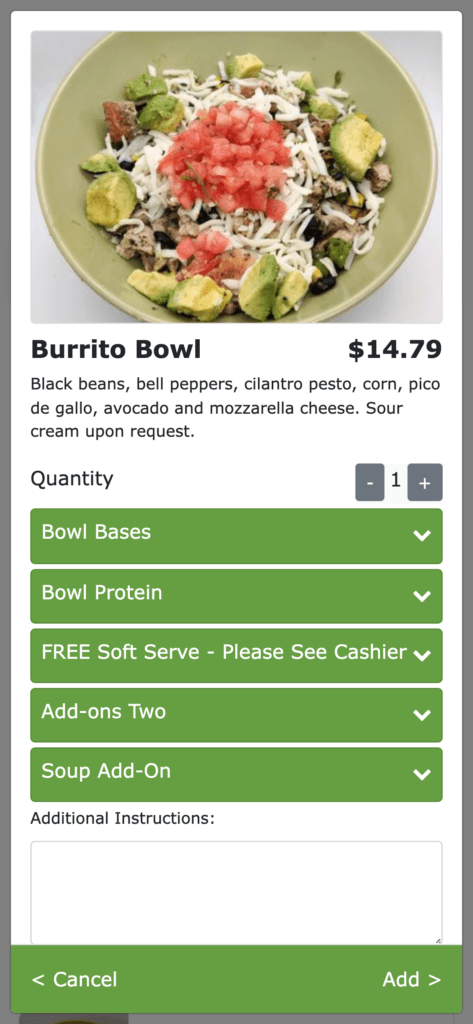
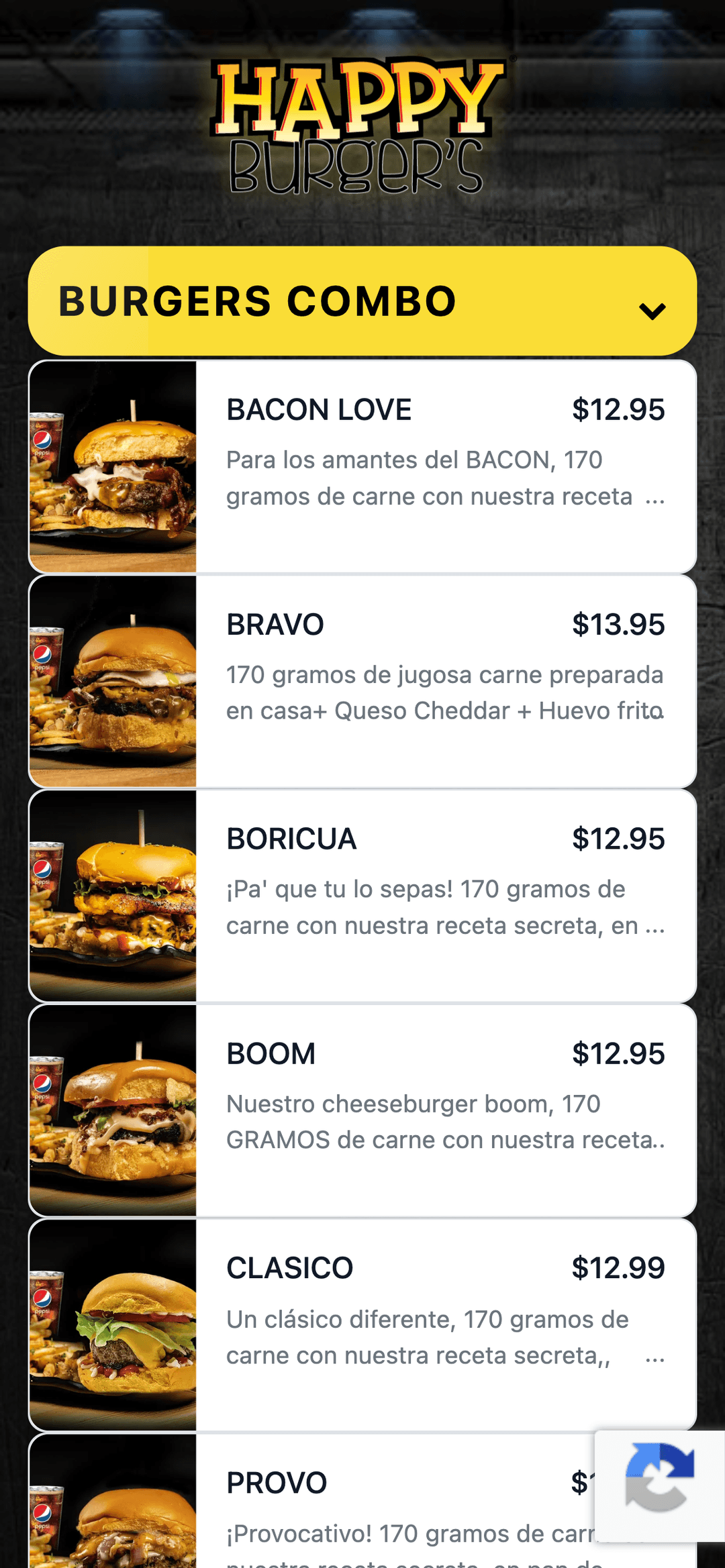
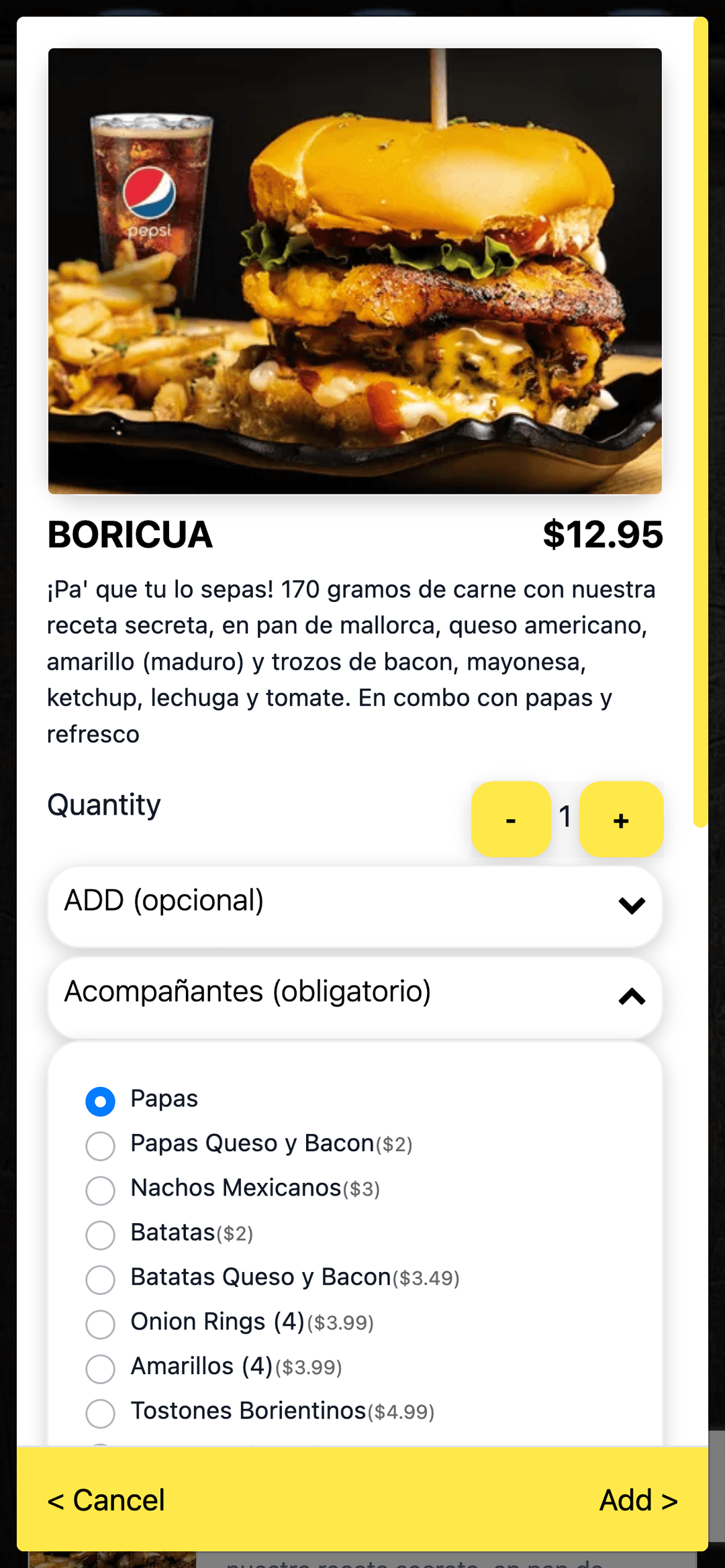
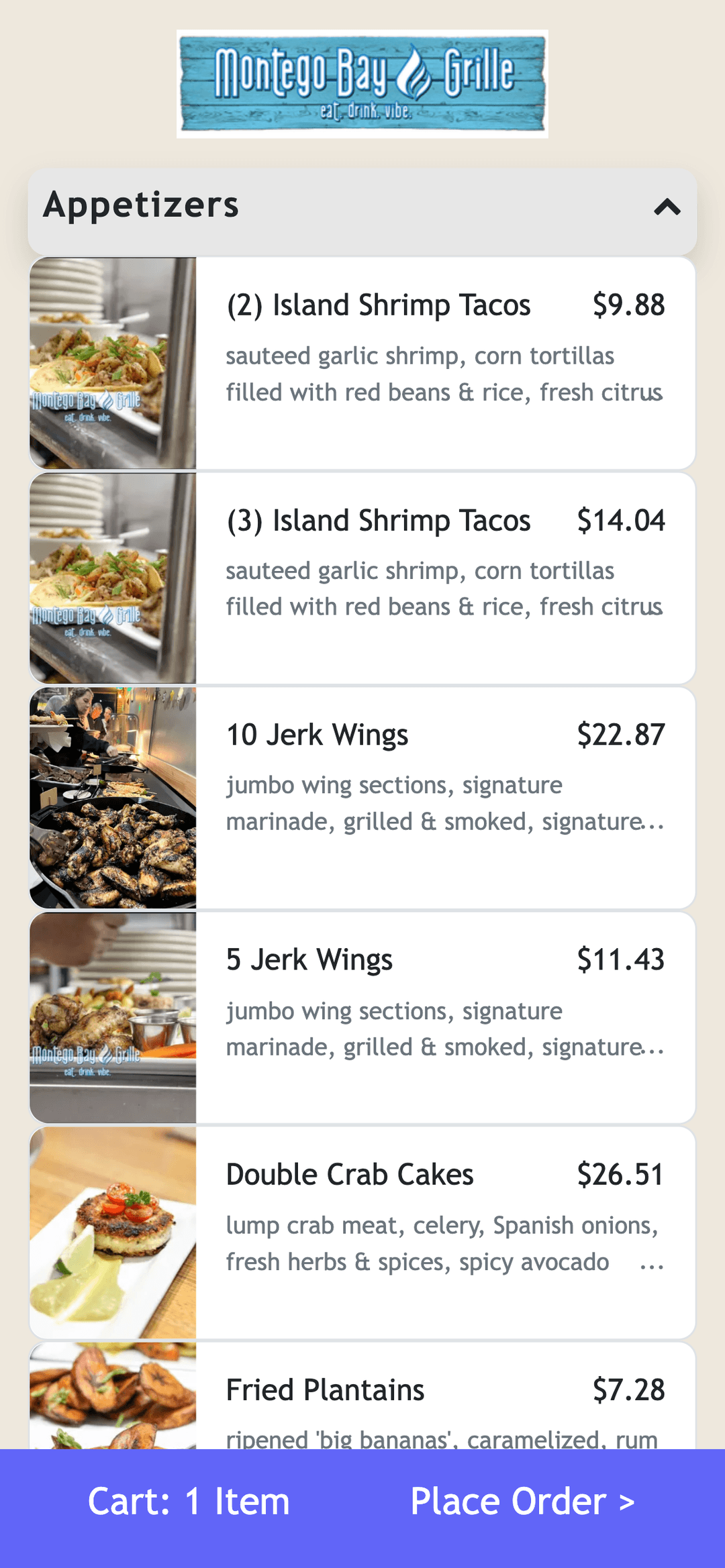
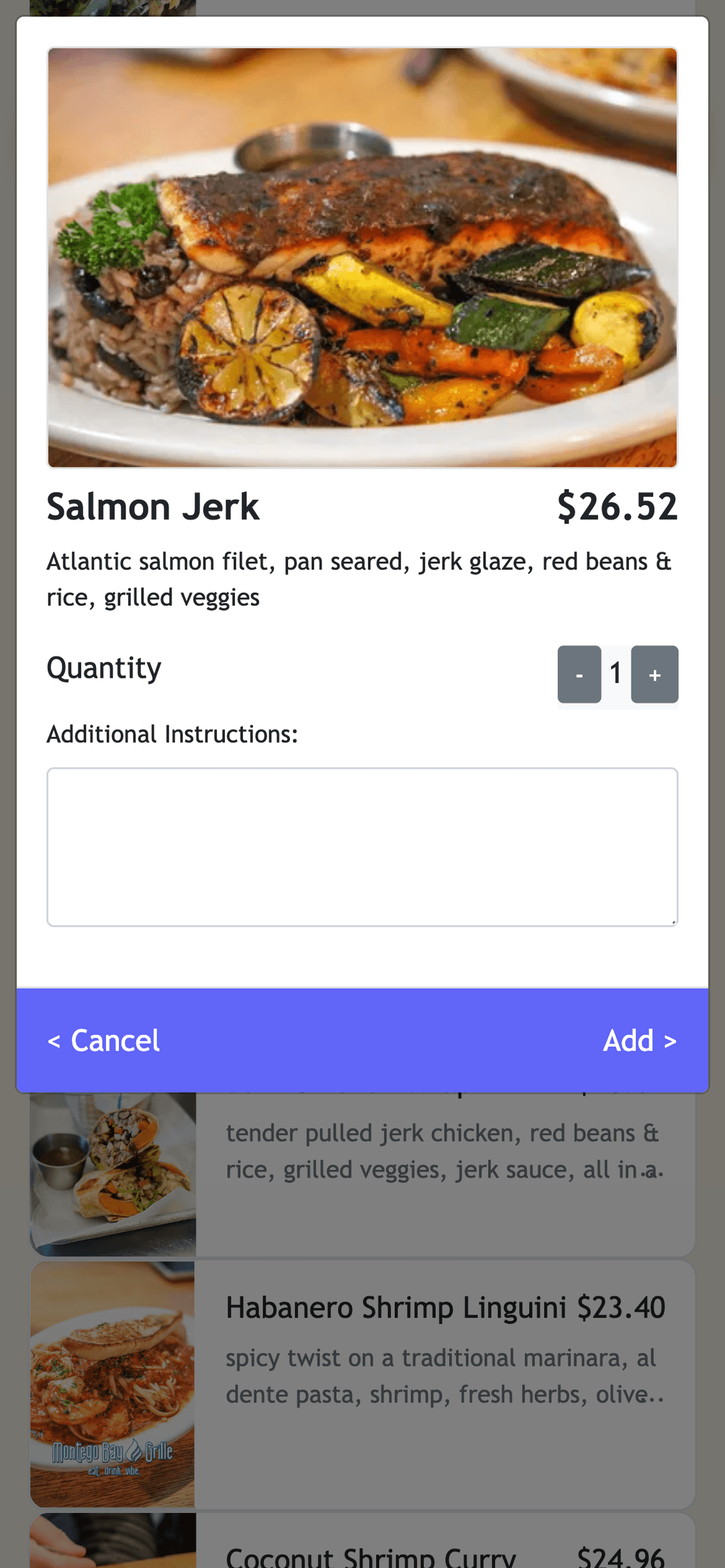
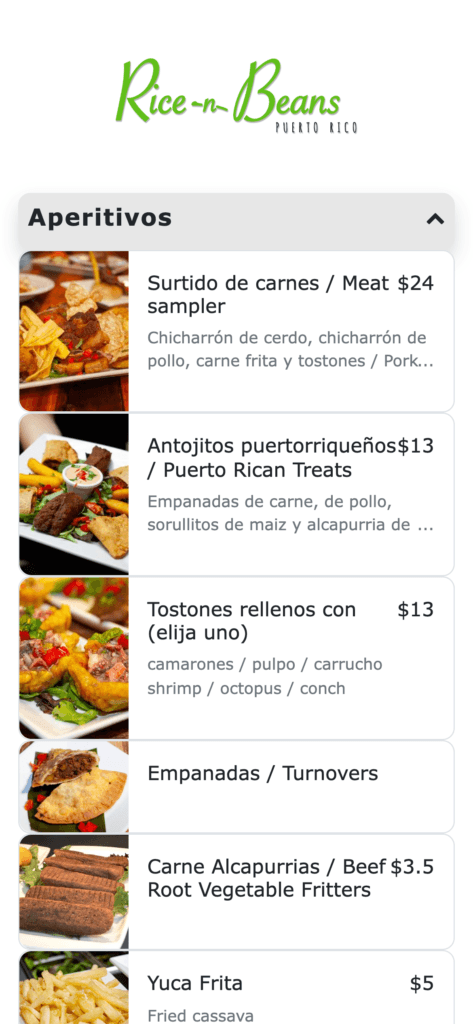
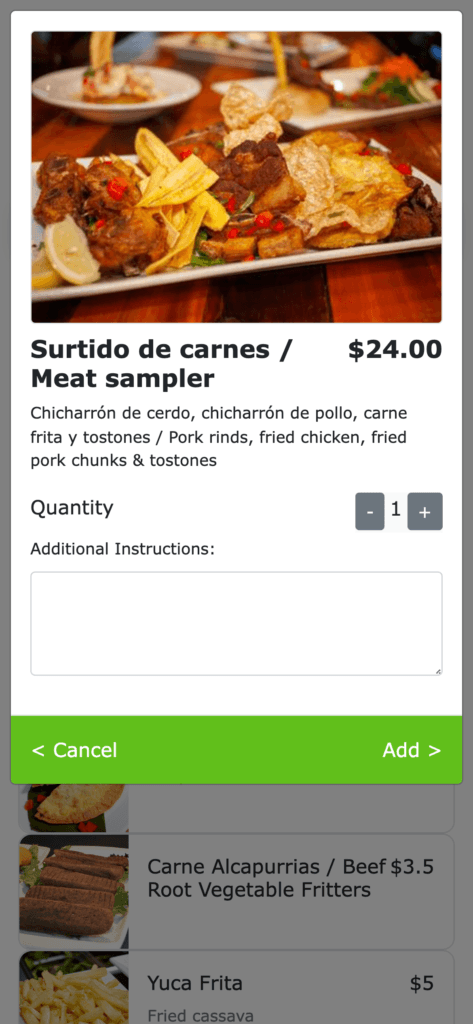
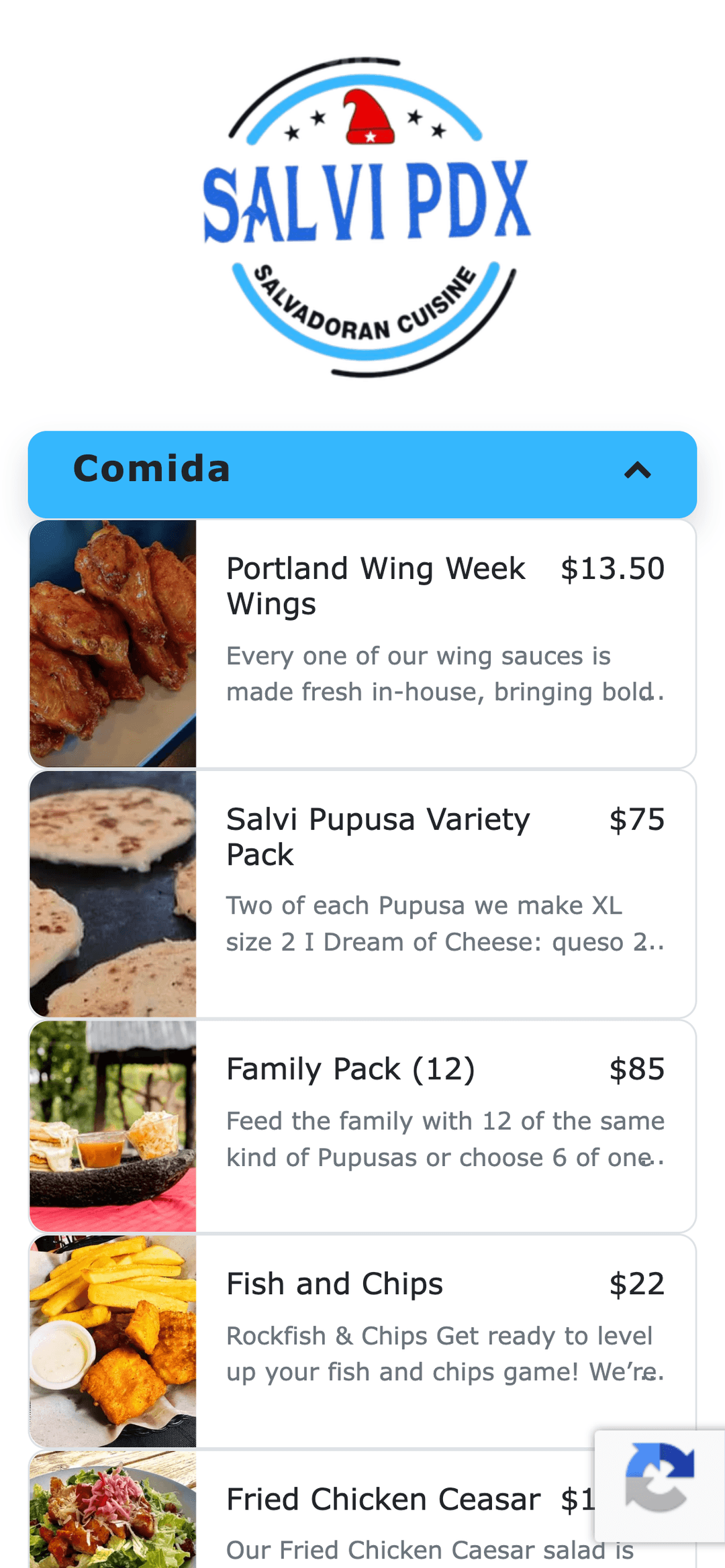
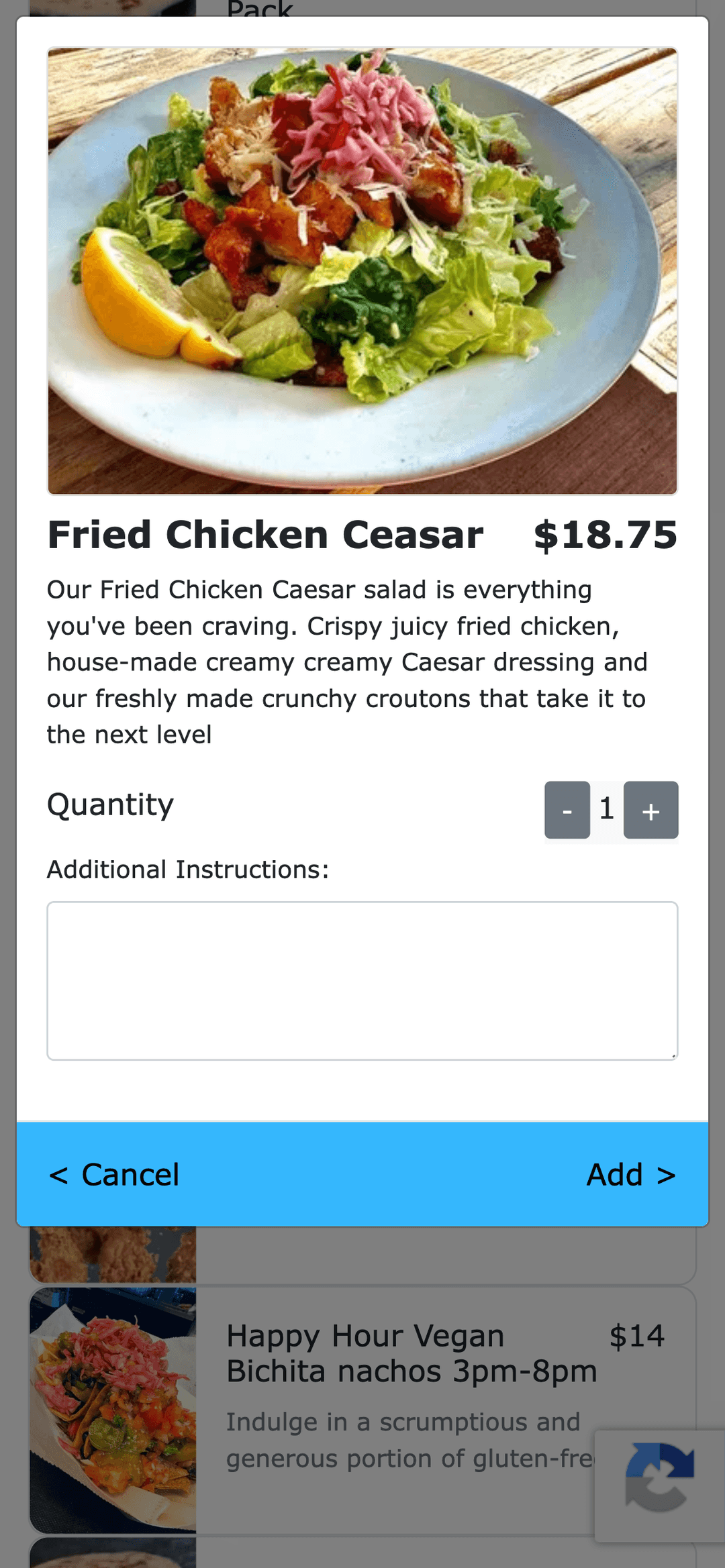
Different Menus for On-site & Online
Differentiate menu offered for on-site customers than online customers. Like serving alcoholic beverages only to on-site customers or large catering sizes only to online customers.
Offer Discounts & Loyalty Points
Configure discount codes and share with customers for special offers. Ogent also connects to the loyalty program in your Point of Sale.
Customize to Your Brand
Configure your logo image, brand colors, fonts and messages. The Ogent team creates the first draft of your portal based on your branding guidelines for rapid onboarding.
Serve at Counter, Table or Room
Your guests can pickup the order at the counter or get served by your staff. You could offer table service, room service or serve at specific pickup locations on the property.
AI Assistant
AI Assistant for Your Restaurant
This is Ogent's most powerful feature allowing operators to manage their ordering service in natural language. Manage your menu and ordering portal by chatting with our AI Assistant. Here are some sample messages:
Please stop taking orders for the next 20 minutes
Hide all Salmon dishes from the menu for the day
Make a copy of the Dessert category and name it Holiday Desserts
Update the description of all items under Kids Menu to add allergen info
Automated Text
Engage with Guests Through Automated Text
Send automated SMS text notifications to guests at every stage of their order — from order confirmation to pickup-ready alerts. Manage it all through your POS integration or Ogent's web dashboard.
Auto Text Receipt & Delivery Updates
Ogent sends automated text messages to the guests with receipt of order and real-time updates of delivery for merchants who use Ogent integrated third party delivery platform.
Text Order Ready or Delay
You can mark each order in progress, ready or completed. Texts are sent to guests for counter pickup service when order is marked ready. You can also text customers when there are unexpected delays.
Issue Refunds
Ogent's integration with payment processors includes support of payment refund through itemized selection. This allows staff to offer full or partial refund based on order fulfillment issues.
The Pier Restaurant
Text Message
2:40 PM
Your order at The Pier will be ready at 2:45pm. Your order receipt: receipt.ogentai.com/QRYKF582
2:48 PM
We are still working on your order at The Pier. Your order will be ready for pickup by 3pm. Sorry for the inconvenience 🙏
3:02 PM
Your order at The Pier is now ready to be picked up. 🎉
Frequently Asked Questions
How much is the setup fee?
There is no setup fee. Ogent offers free onboarding to get your portal live quickly.
Do we have to commit to a contract period?
No, Ogent has no long-term contracts. You can cancel at any time.
Can I test the service before launching?
Yes, Ogent provides a testing environment so you can verify everything before going live.
How do I use Ogent with my website for online ordering?
Ogent provides an embeddable ordering link or widget you can add to your existing website.
How do we get new QR codes?
New QR codes can be generated anytime from your Ogent dashboard and printed for your tables.
Can we have different QR codes for each table or room?
Yes, Ogent supports unique QR codes per table, room, or station so orders are routed correctly to your staff.
Can I import my menu directly from my POS?
Yes. The Menu Editor has a one-click Import POS Menu button that pulls in your entire menu — categories, items, modifiers, and prices — automatically.
Can I control which items appear on my online menu vs. my dine-in menu?
Yes. Each item has separate visibility toggles for Online and Dine-in channels, so you can offer different items to different ordering contexts — for example, restricting alcoholic beverages to on-site guests only.
Can we offer alcoholic beverages only to on-site guests?
Yes, item visibility settings let you restrict items to the Dine-in channel only so they never appear on your online ordering portal.
Can I add modifier groups to items — like 'choose 2 proteins'?
Yes. The Modifier Editor lets you create named modifier groups with individual options, per-option pricing, and minimum and maximum selection rules.
Can I schedule a menu category to only appear at certain times?
Yes. Category Schedule lets you set specific days of the week and start/end times for any category — perfect for happy hour menus, lunch specials, or seasonal offerings.
Can I quickly hide an item when I run out?
Yes. The Hide Items / Modifiers feature lets you hide any item or modifier option either until tomorrow — where it reappears automatically the next day — or permanently until you restore it.
What service types does Ogent support?
Ogent supports Pre-order Pickup & Delivery, Pre-order Pickup Only, Pre-order Delivery Only, Table Service, and Dine-in Counter Pickup. Each portal can be configured independently.
Can we change the prep time when we are busy?
Yes. Portal Settings lets you update your default order prep time at any time so guests always see an accurate pickup estimate.
Can I pause a specific ordering channel without stopping all orders?
Yes. Portal Status lets you pause Online, Dine-in, Table Side, or Delivery portals independently — for 30 minutes, 1 hour, 2 hours, or until tomorrow — without affecting the others.
Can customers place orders when we are closed?
Yes. The After Hours Setting can be configured to 'Accept Pre-order' so guests can schedule future orders outside your operating hours, or set to 'Menu without ordering' to display the menu only.
Can guests order in advance for pickup or delivery?
Yes, guests can place advance orders by selecting a future pickup or delivery time that works for them.
Can I use my own drivers or a third-party service for delivery?
Yes. Delivery Settings gives you three options: your own delivery staff, DoorDash (Ogent's third-party delivery partner), or a direct Uber Eats integration.
Can we charge the customer a delivery fee?
Yes. You can set a flat delivery fee, a minimum order amount required for delivery, and a free-delivery threshold in the Delivery Settings.
Can I limit the delivery radius?
Yes. You can set a maximum driving distance in miles to define your delivery zone.
Can the customer choose between pickup and delivery?
Yes, customers can select their preferred fulfillment method at checkout when both are enabled on your portal.
Can I set holiday or special event hours in advance?
Yes. Store Settings includes a Holidays & Special Hours section where you can add custom open or closed schedules for specific dates throughout the year.
Does the price change on Clover update the price on Ogent?
Yes, Ogent syncs pricing from your Clover POS so updates reflect automatically.
Does the item inventory on Clover update for QR code orders?
Yes, inventory updates from Clover are reflected in your Ogent ordering portal.
Can I manage and track all my orders from one screen?
Yes. The Order Management screen shows every order across all channels — online, dine-in, table side, delivery — with filters by source, fulfillment type, and date range.
Can I update an order's status from the dashboard?
Yes. Each order can be moved through four statuses directly from Order Details: New, In-Progress, Order-Ready, and Completed. Guests receive an automated text when their order is marked ready.
Can I change a customer's pickup time after they have ordered?
Yes. Order Details includes a Change Pickup Time action so you can update the expected time if there is a kitchen delay.
Can I issue a refund directly from the dashboard?
Yes. The Issue Refund button in Order Details lets you process a full or partial refund through an itemized selection — no need to go through your payment processor separately.
Can guests place multiple orders and close out at the end?
Yes, guests can place multiple orders during their visit and settle the tab at the end.
What kind of sales analytics does Ogent provide?
The Analytics dashboard shows total orders, net revenue, average tip, average order size, a daily revenue chart, and breakdowns by payment method, fulfillment type, and order source.
Can I see which menu items are selling best?
Yes. The Top Items Sold report in Analytics shows quantity sold and revenue for each of your best-performing items.
Can I identify my top-spending customers?
Yes. The Customers (Top Spend) table in Analytics displays each customer's order count and total spend so you can recognize and reward your most loyal guests.
Simple Pricing
Free onboarding, no contracts, cancel anytime
Ordering Solution
Choose the pricing model that fits your volume





✦ Everything included in both plans
- Custom branded ordering portal
- Menu with photos & categories
- Schedule items & categories
- 86 items & modifiers with timer
- Pickup & delivery services
- Multiple portals & menus
- Text notifications to guests
- Auto print to kitchen printers
- KDS integration

Platform Integrations
All channels, one dashboard
Connect Ogent with the world's leading delivery platforms. Manage menus, orders, and analytics in one place.
Supported platforms



- Centralized order dashboard
- Menu sync across platforms
- Unified analytics & reporting
- Auto-pause out-of-stock items
All plans include free onboarding support. No credit card required to start.
Ready to see it in action?
Free onboarding · Unlimited usage · No contracts